

Do you use a strong password or PIN code, but suspect that someone may be secretly reading your messages? In today’s world, privacy is not a given, but the result of constant effort. Even if your phone seems to be well-protected, technology has advanced, and potential threats can come from anywhere.
Let’s take a look at the main signs that someone has access to your texts and discuss how to respond to these attempts.
Many users believe that personal correspondence on their phones or messengers is securely protected. However, in practice, accessing other people’s messages is easier than it seems. There are a number of technical methods available, from installing spyware to hacking accounts. When noticing minor oddities in the operation of a device, people often do not attach any importance to them, but these can be the first signs of interference in their personal lives. Below are some situations that should raise alarm bells:
- Sudden and unexplained malfunction of the device
If your phone has started to run slower, drain its battery faster, and heat up without any load, this is a cause for concern. These symptoms may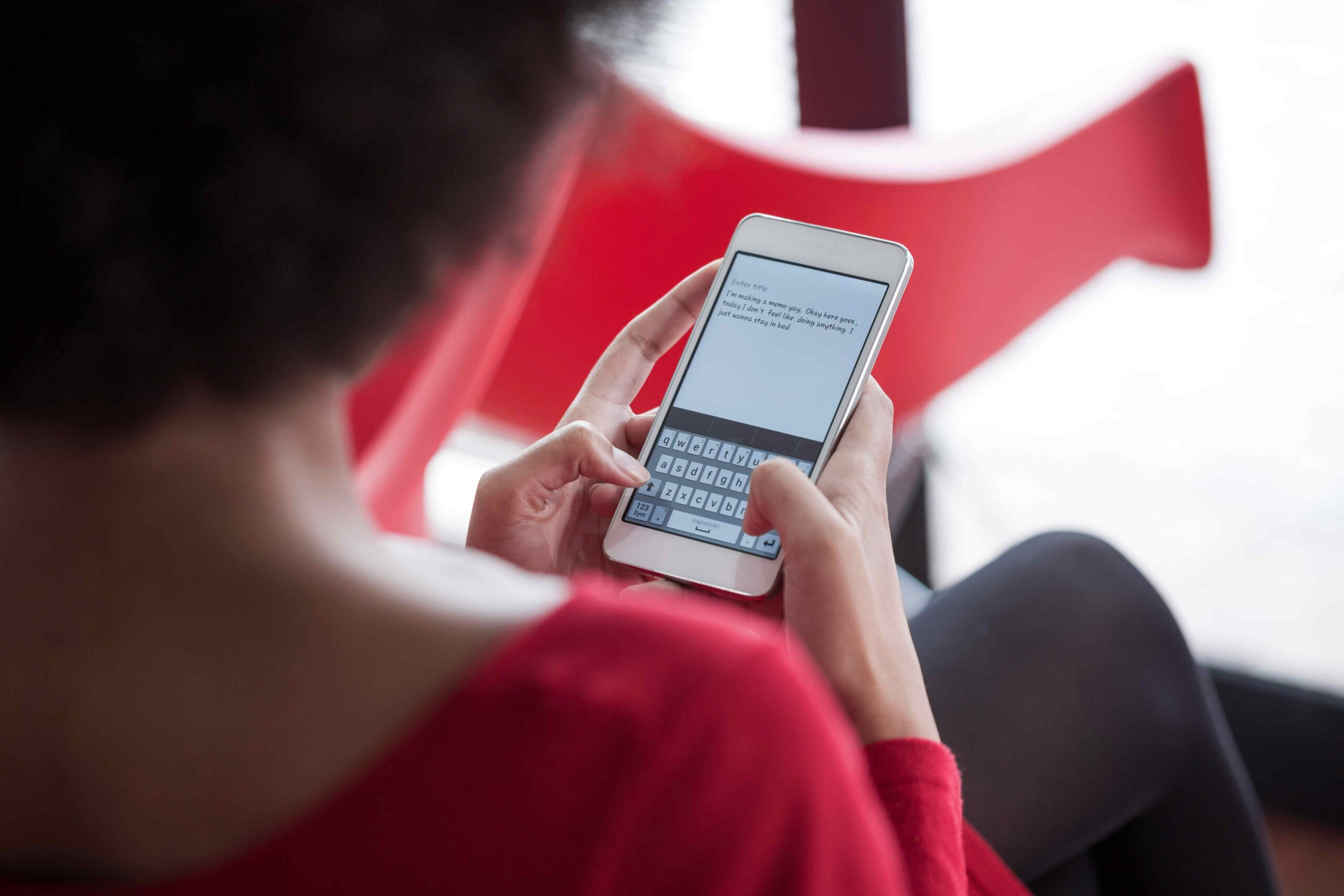 indicate the presence of spyware, which attackers use to gain access to SMS messages, correspondence, and other personal data. Most often, such programs run unnoticed and create an additional load that is only noticeable in the overall condition of the device.
- Unusual or promotional messages from numbers you don’t know
Have you suddenly started receiving strange texts with advertisements or references to topics you discussed in private correspondence? Someone may have activated forwarding or installed a Trojan program. It is also worth checking whether the SMS forwarding function is enabled. On an iPhone, you can disable it in the settings: “Messages” → “Text Message Forwarding.”
- Messages marked as read that you haven’t opened
When the sender sees that you’ve read a message even though you haven’t opened it, this is a warning sign. This happens if someone has gained access to your Apple ID or Messenger account. This allows them to read your chats without your knowledge.
These signs do not always indicate direct surveillance, but they should not be ignored. If you notice at least one of them regularly, it is worth checking your security settings, changing your passwords, and contacting specialists if necessary. The faster you respond, the higher the chance of protecting your personal data and preventing correspondence leaks.
Things that often go unnoticed
When it comes to communication security, most people think of the obvious: who might pick up their phone or notice a notification on the screen. Far more dangerous are hidden factors that remain outside the user’s attention. These allow attackers to access personal information without the device owner’s knowledge.
- Installed spyware programs (such as mSpy, SpyBubble, Cocospy, and others) that log messages and transmit them to the attacker. The Economic Times
- Background synchronization with iCloud or other cloud services when the attacker’s device is linked to the same account.
- Unsecured Wi-Fi networks or unexpected Bluetooth connections can also provide access to notifications and messages.
Each of these scenarios seems insignificant, as users do not always check their synchronization settings, network status, or the presence of third-party software. It is precisely these small details that become vulnerabilities. To eliminate such risks, it is important to periodically analyze device activity, monitor logins to cloud services, and use only trusted connections. Otherwise, even the most cautious person may not notice that their correspondence is already being read by outsiders.
What to do if you think you are being monitored
When you feel that someone is interfering with your digital life, it is important not to panic. Most surveillance methods leave indirect traces. These include unusual applications or unusual activity in your accounts. The following steps will help you identify the problem and regain control of your device.
1. Check the list of installed applications – note any unfamiliar programs and delete them. Especially if they consume a lot of energy.
2. Disable message forwarding and any synchronization with other devices – especially if the user previously had access to your account.
3. Change your passwords and restart your sessions in your iCloud, Google, and messenger accounts – do this from another secure device.
4. Add two-factor authentication (2FA) – this will make life more difficult for an attacker, even if they know your password.
5. Reset your device to factory settings if you still have suspicions. Be sure to make a backup before doing so.
6. Seek help – if you suspect that someone is using your unwittingly disclosed information, you can contact specialists who will diagnose your device and network.
These actions reduce the risk of further interference and help you understand how deeply your privacy may have been compromised. Even basic measures such as changing passwords or enabling 2FA are often sufficient to close the main vulnerabilities. In more complex cases, consulting experts will help identify hidden threats and restore security at the technical level.
What to do to prevent this from happening again
We often underestimate how easy it is to read other people’s messages if the device is not comprehensively protected. And we’re not always talking about large-scale hacker attacks – sometimes access to iCloud is enough to silently read your correspondence. By no means should you panic. In fact, by changing your password, checking synchronization, and using a random program to give you temporary access to the account, you can take control of your privacy again.
- Regularly check the list of devices linked to your account.
- Make sure there are no unfamiliar names on the list of connected devices.
- Monitor performance – overheating, battery drain, instant notifications – these are all signs that may indicate malware activity.
Privacy is a constant concern. When it seems that your messages are being read without your knowledge, it is important not to turn a blind eye, but to seek out and neutralize the threat. This way, you maintain control over your digital space and ensure peace of mind in your correspondence.