

The transition to online learning has been a challenge for many: lectures that used to be face-to-face are now held via a screen, and a cozy room becomes the official space of a school or university. Comfort and efficiency are key to motivation and choosing the right devices. In this article, you will find 8 such gadgets – each important in its own way. Take a closer look at them to make online learning more convenient, stable, and enjoyable.
What you really need to have on hand
When it comes to distance learning, it is important to remember that the success of your studies depends on discipline and how comfortably and effectively you can work with technology. Having the right devices turns a room or corner into a full-fledged learning environment. It allows you to concentrate on your lessons, reduces fatigue, and gives you a sense of control over the process.
Below are the main gadgets you should have on hand to make distance learning as comfortable and productive as possible.
Laptop
Indispensable for distance learning. It allows you to follow lessons from any convenient location: the kitchen, patio, or bedroom. A good laptop combines mobility with the ability to work for long periods without recharging. A screen size between 13 and 15 inches, USB and HDMI ports, and a built-in webcam transform it from a simple gadget into a personal educational station.
Webcam
If you are working from a computer without a built-in camera, a high-quality external camera is an important element for live communication with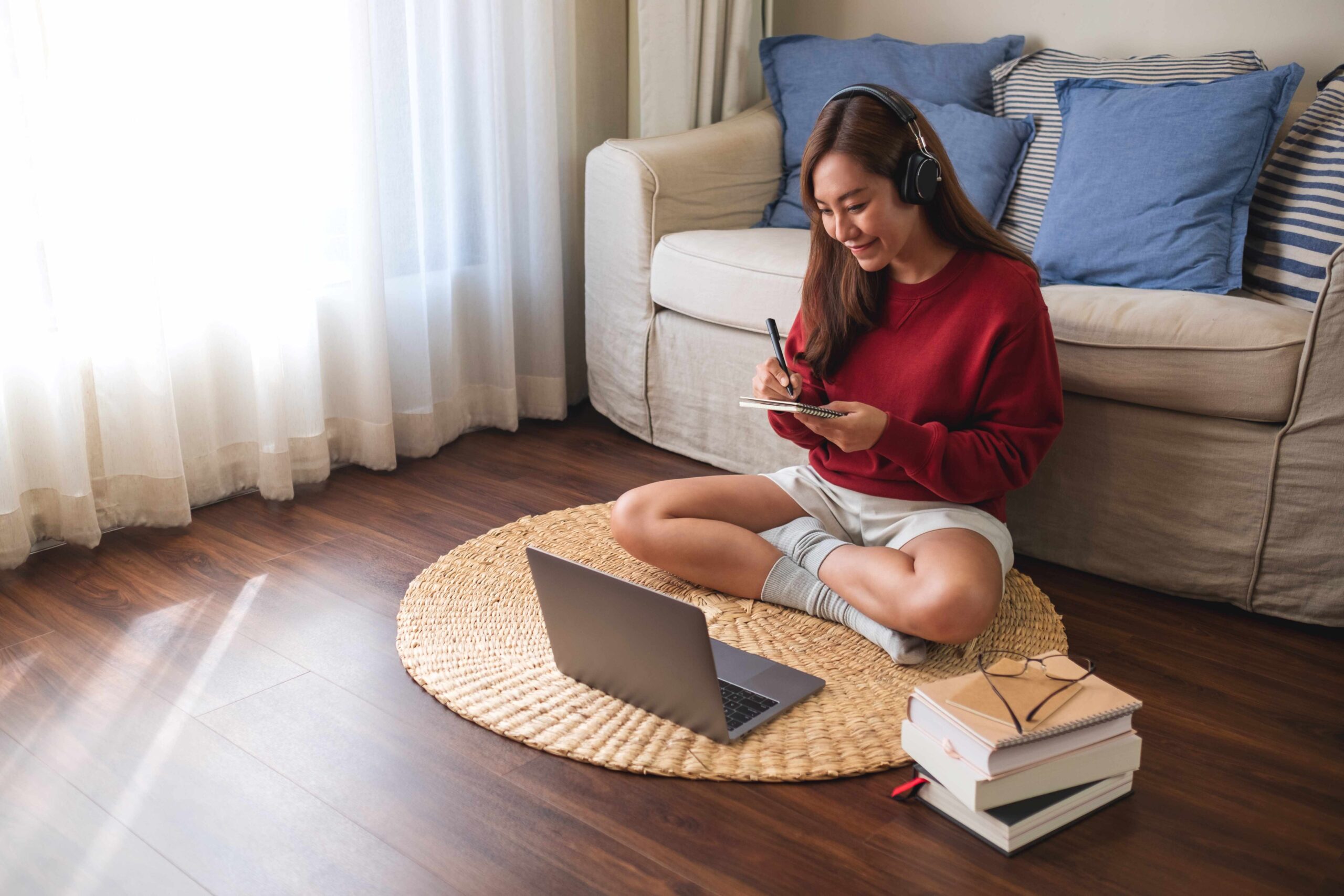 your teacher and classmates. Autofocus, high resolution, and USB or Bluetooth connectivity make classes more natural and enjoyable.
Headphones with a microphone
They eliminate echoes and background noise that can be distracting when other family members are busy at home. Wireless models offer additional comfort, but remember to keep an eye on the battery: a minimum of 4 – 5 hours of battery life will help you avoid surprises.
E-book
Tablets are convenient, but reading from screens can be tiring. E-books with e-ink screens are easy on the eyes and ideal for long periods of reading lectures, textbooks, or notes. Look for models with backlighting and large fonts for maximum comfort.
Laptop cooling stand
Long hours of studying can cause your device to overheat, reducing its performance and putting a strain on your nerves. A special ventilated stand will help prevent overheating, improve airflow, and make your posture more comfortable while studying.
Wi-Fi amplifier
Connection quality is key to stable online lessons. If your router doesn’t cover your entire home, a Wi-Fi repeater extends coverage, allowing you to stay online even in the garden or on the sofa away from the signal route.
Power Bank
It provides flexibility. Charging is available at any time, which is beneficial if you are studying remotely or in locations without an extension cord. It is a convenient energy source that does not take up space and is useful in any unexpected situation.
External SSD drive
Flash drives are giving way to more reliable storage devices, such as SSDs. This is the best choice for students. It provides quick access to lectures,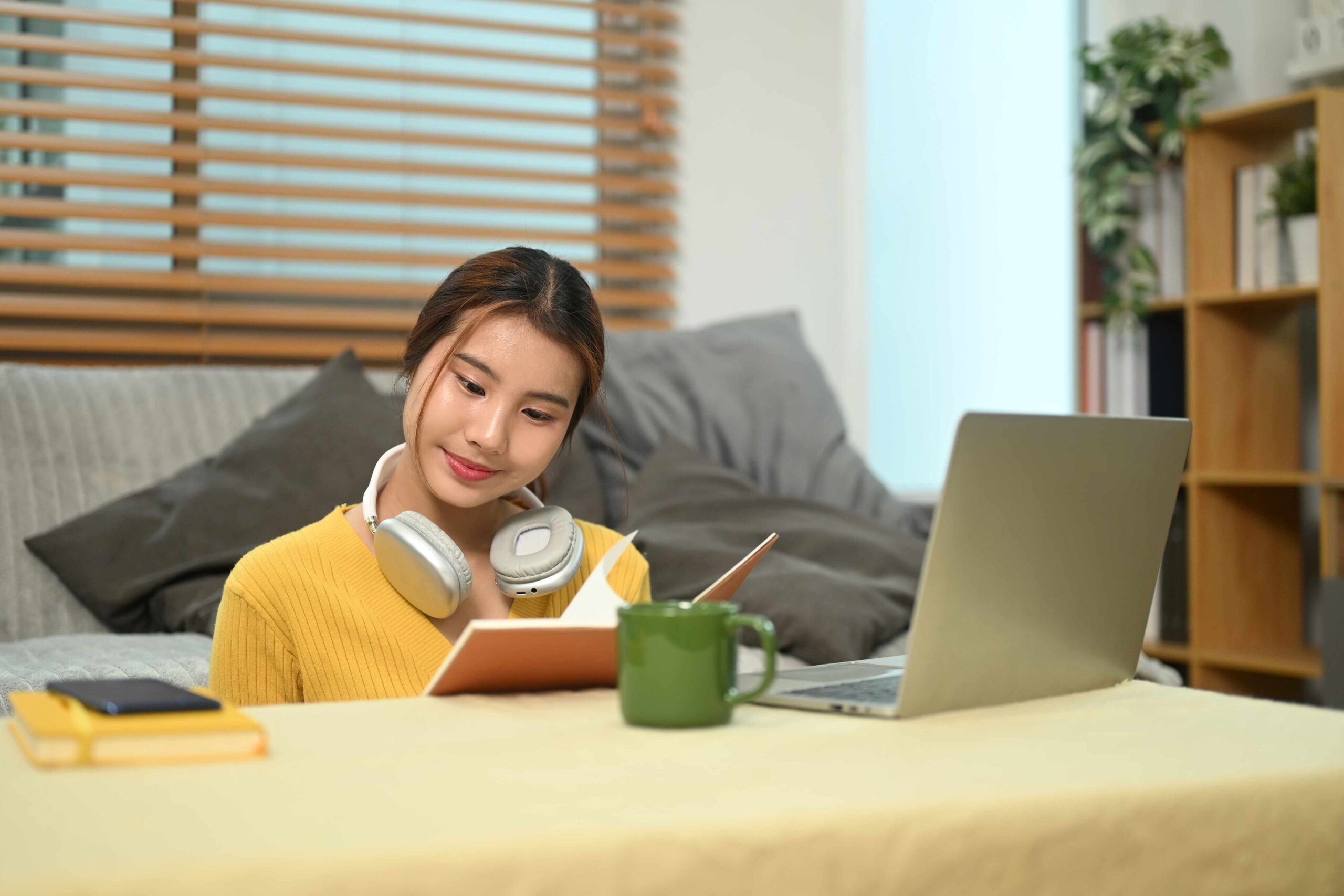 notes, and projects, especially when dealing with large amounts of data. In a world where everything needs to be at your fingertips, speed and reliability are invaluable.
Each of these devices serves a purpose, whether it’s improving connectivity, protecting your health, or increasing flexibility. When putting together your arsenal, think about your learning environment: missing ports, weak internet, or an uncomfortable position in front of the screen may be the reasons why you get tired or lose concentration. By choosing the right tools, you can make your learning environment more friendly and productive.
What’s next?
Once your decision is made, the best part is getting to the “habit” of productive and pleasant learning. Organize your devices and change the place to fit you. In case your laptop gets hot slowly, do it with the cooler. Adjust the camera so that your face is clearly visible and the background is not too eye-catching. Boost the router signal if educational platforms are loading intermittently. These small details are invisible when everything is working, but they become noticeable when something goes wrong.
Final thoughts
Distance learning requires discipline and, above all, technical convenience. It’s not about the number of devices, but their suitability. A well-chosen laptop, a high-quality camera, comfort, and connectivity are the core elements around which productivity is built. Add a few handy accessories, and studying becomes not a chore but part of your own space and rhythm.